
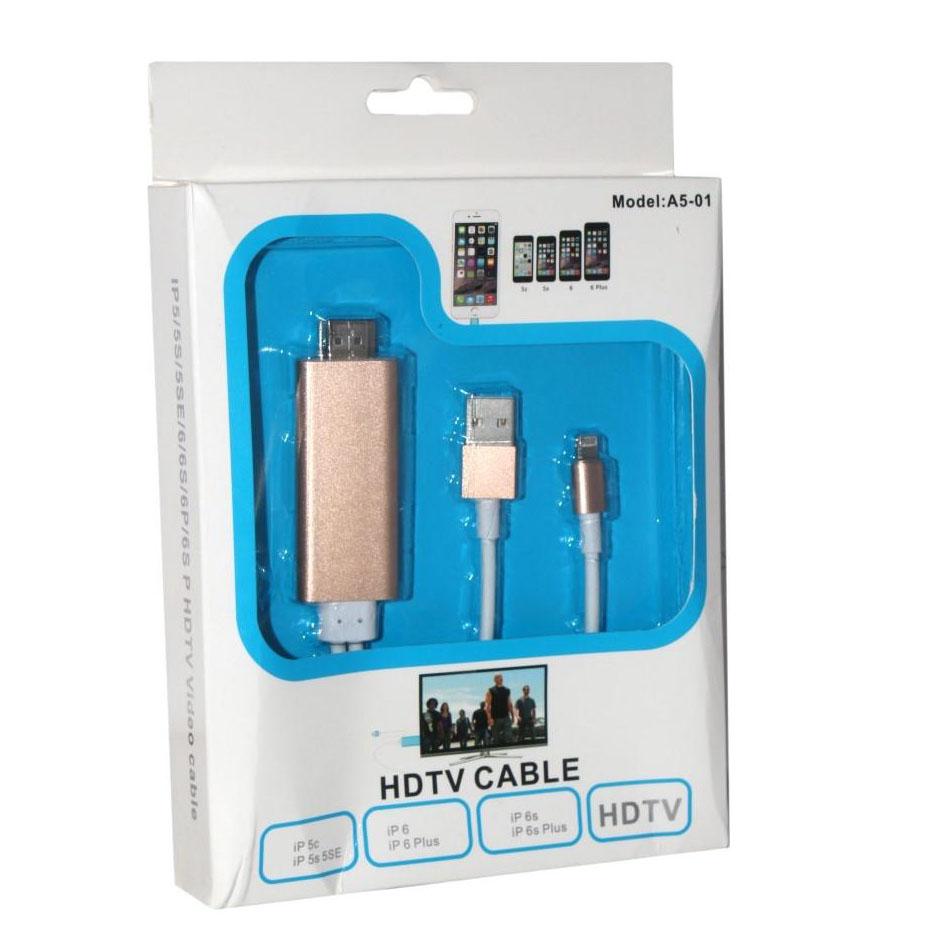
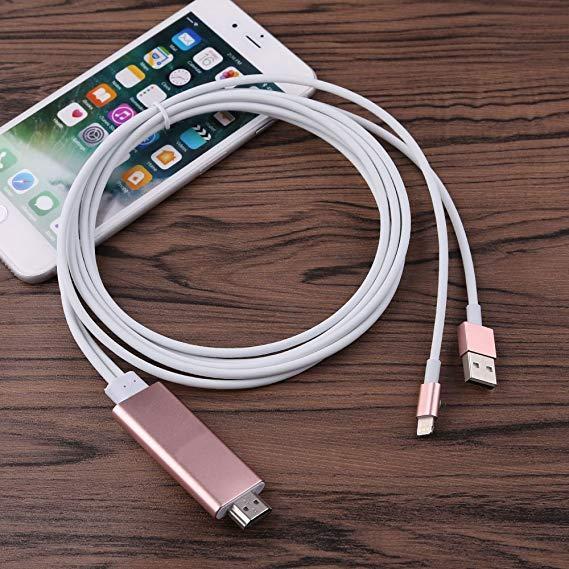
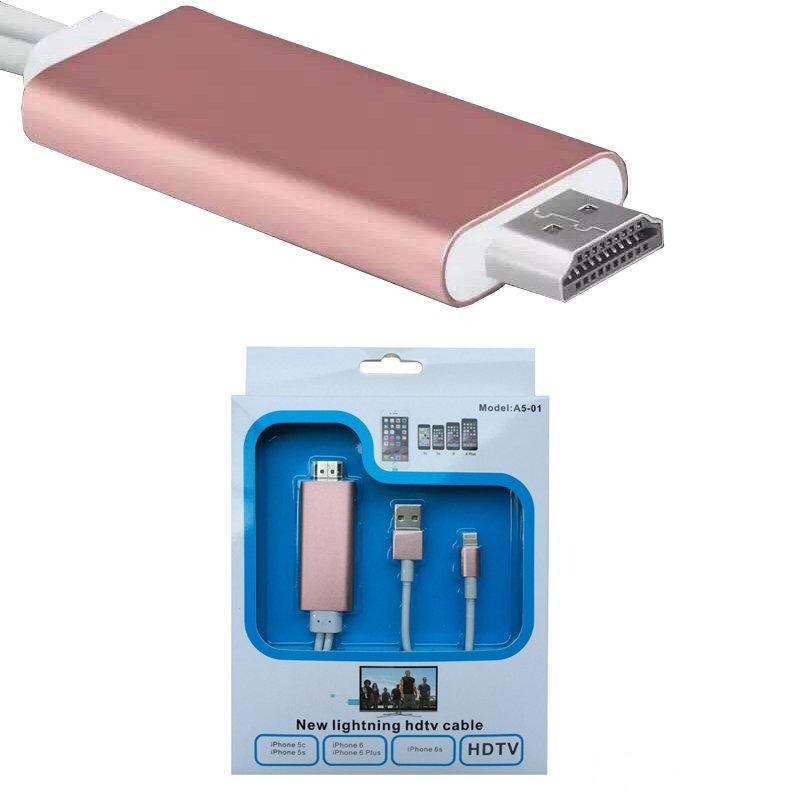
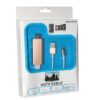
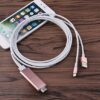
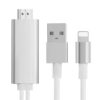
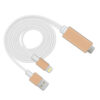
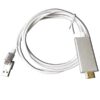
Experience effortless high-definition sharing with the A5-01 HDTV Cable for iPhone, the ultimate Lightning to HDMI adapter with USB power support. Designed for seamless 1080p HD mirroring, this cable allows you to display your iPhone or iPad screen directly on any HDTV or projector—no Wi-Fi, no Apple TV, and no apps required.
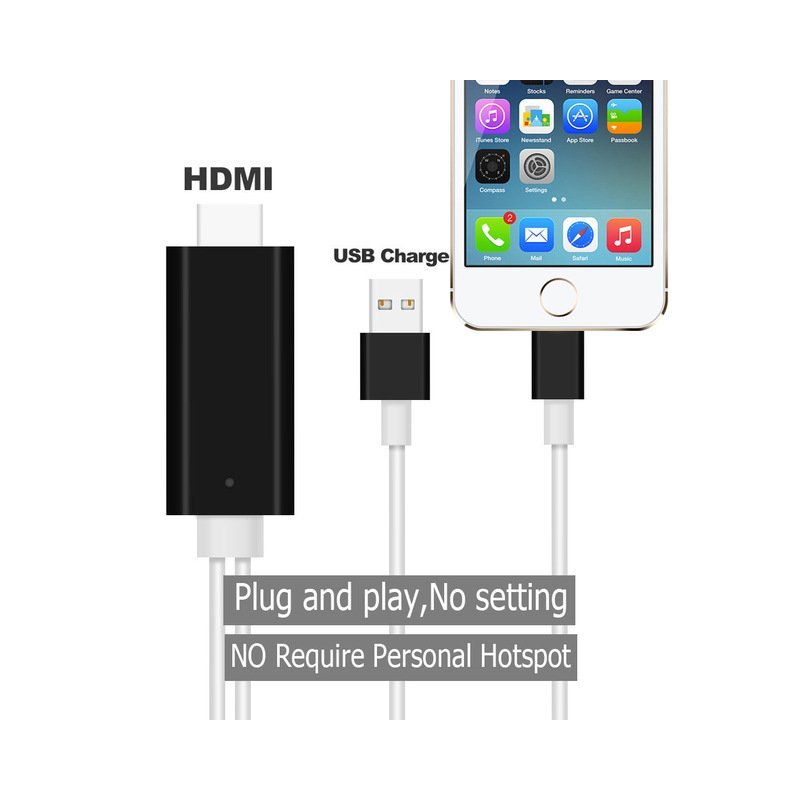
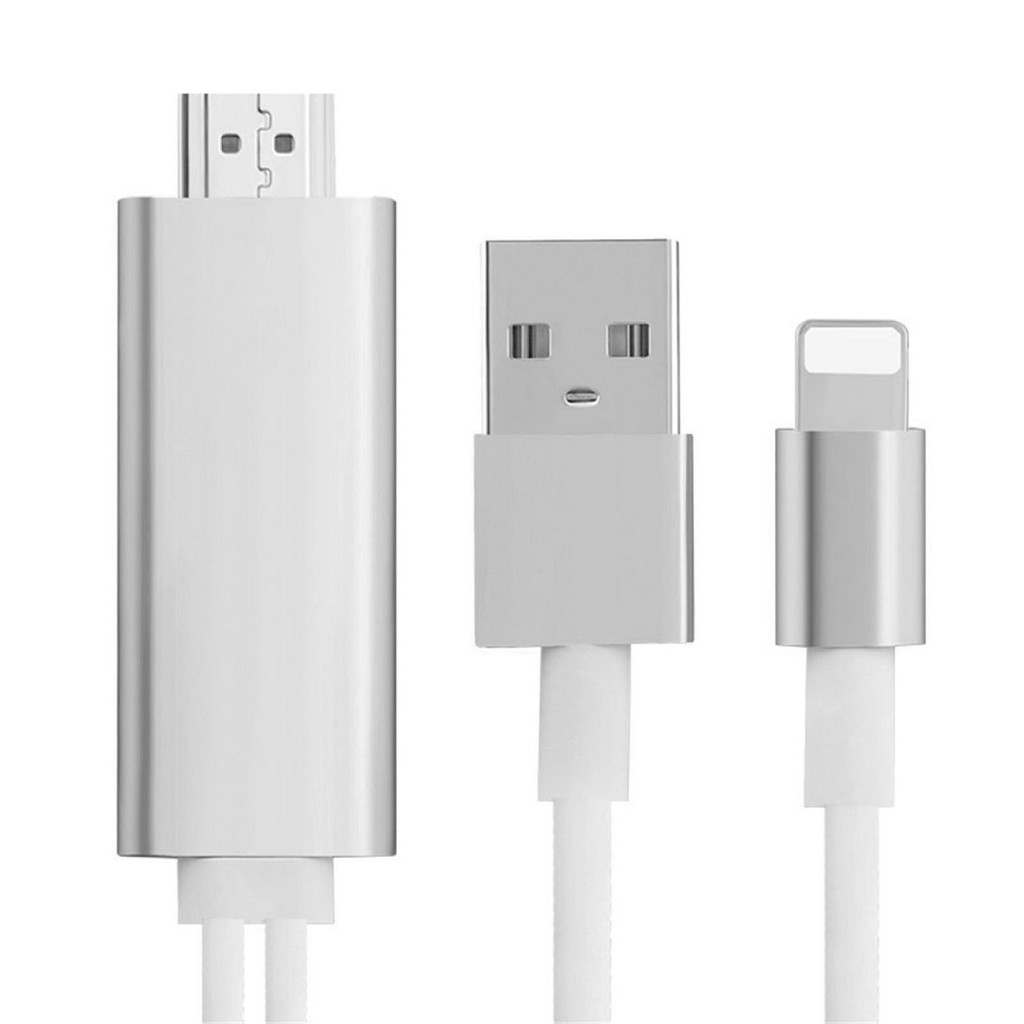
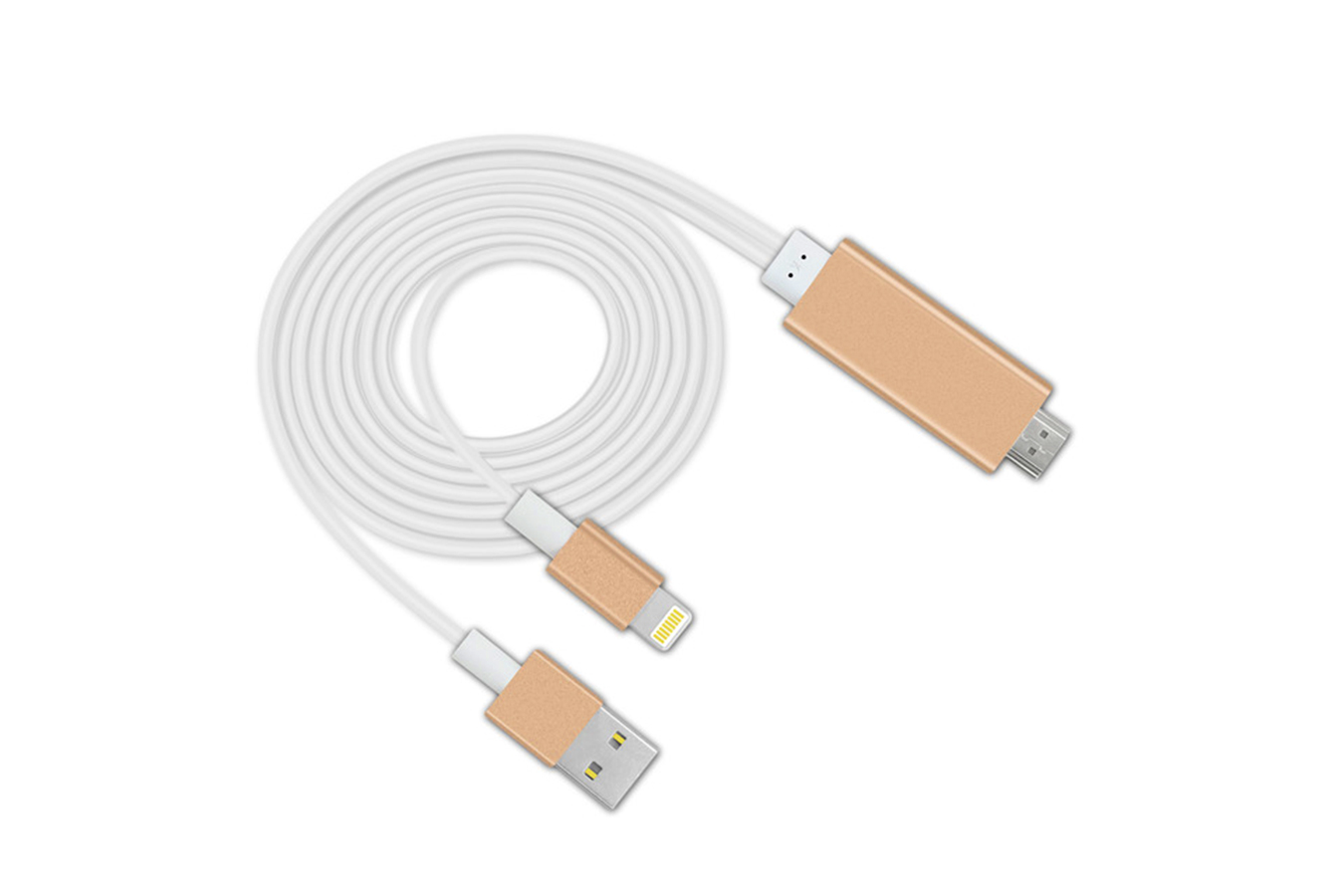
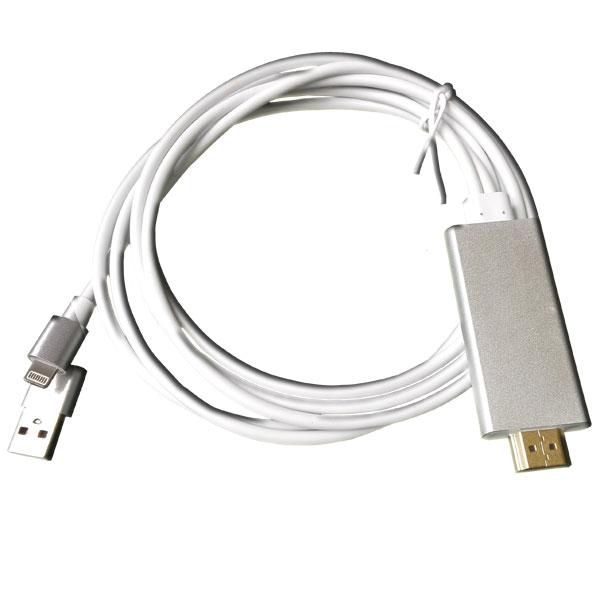
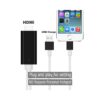
Featuring three integrated connectors—Lightning, HDMI, and USB—the A5-01 ensures complete compatibility and stable performance. The Lightning port connects to your iPhone or iPad for video and audio output. The HDMI connector transmits crisp Full HD visuals to your television or projector, while the USB plug powers the adapter via your TV’s USB port or a standard 5 V 1 A charger. You can even charge your device while mirroring, ensuring continuous playback without battery drain.
Key Features
-
True 1080p HD Mirroring: Stream movies, TV shows, games, photos, and presentations on a big screen with vivid clarity.
-
Plug & Play Design: No apps, Wi-Fi network, or Apple TV required—simply connect and mirror.
-
Universal Compatibility: Works with all iOS versions—no jailbreak needed and no risk with updates.
-
Dual Function: Supports simultaneous charging and video mirroring.
-
Versatile Use: Ideal for home entertainment, business meetings, classrooms, and travel.
Compatibility
Supports: iPhone 5/5c/5s/SE/6/6 Plus/6s/6s Plus, iPad Pro, iPad Air 1 & 2, iPad 4, iPad Mini 1 – 4, and iPod Touch 6.
How to Use
-
Turn on “Personal Hotspot” on your device.
-
Connect the Lightning plug to your iPhone and the HDMI to your TV or projector.
-
Insert the USB into a TV USB port or 5 V 1 A charger for power.
-
Tap “Trust” when the prompt appears.
-
Confirm the Hotspot icon appears on your screen.
-
Open Control Center > AirPlay > choose “SGLink-ADOAA5.”
-
Enable “Mirroring.”
-
Enjoy your iPhone or iPad content on a large screen.
Package Includes
-
1 × iPhone to HDMI adapter cable with USB port
-
1 × User guide