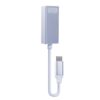
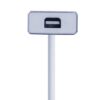
2B CV167 USB-C to Mini DisplayPort Connector — Reliable ,Ultra-Compact Video Adapter
موصل من تايب سي إلى ميني ديسبلاي بورت تو بي سي في 167 لتوصيل الأجهزة الحديثة بشاشات أو بروجكتور يدعم ميني ديسبلاي بورت. تصميم صغير عملي للبيت والمكتب والعروض. مناسب للاستخدام مع الأجهزة التي تدعم إخراج الفيديو عبر منفذ تايب سي. حل مريح لتوسيع الشاشة أو عرض المحتوى بسهولة.
EGP250.00
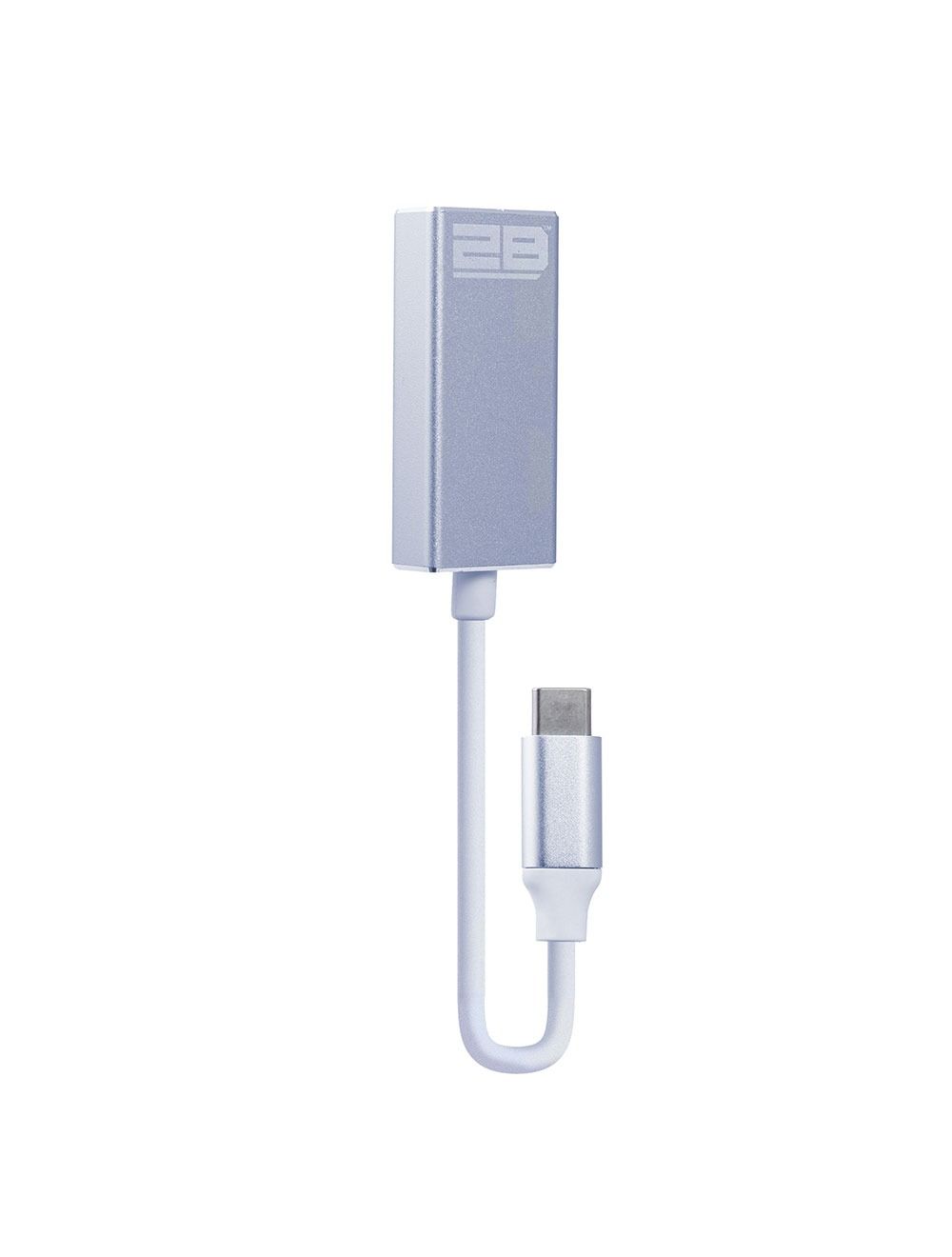
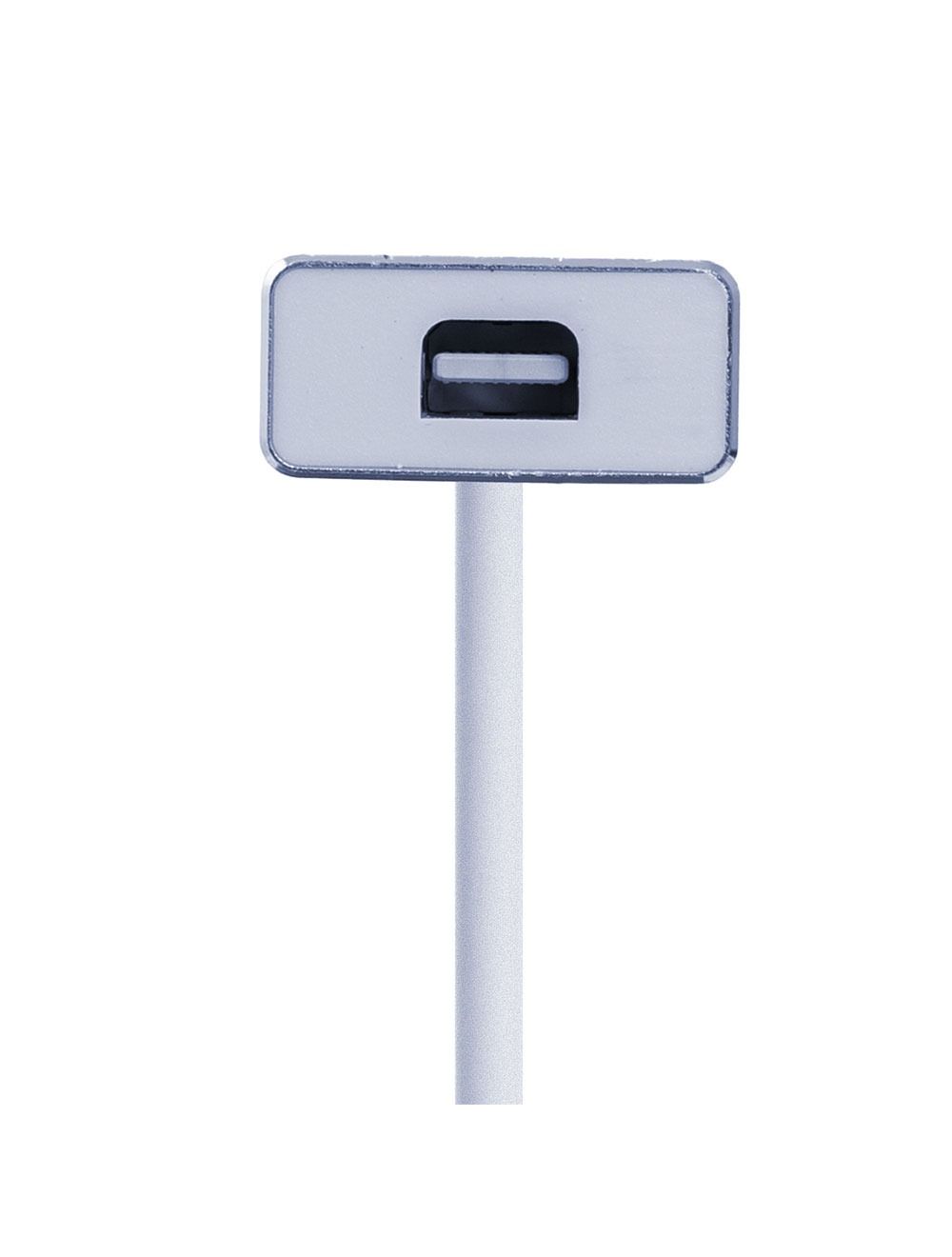
Meet the 2B (CV167) Type C to Mini DisplayPort connector—a compact, practical solution for sending video from a USB-C device to a Mini DisplayPort display. It’s built for clean desk setups, presentations, and everyday screen expansion without clutter.
🎥 Display & Use Cases
Use it when your monitor or projector has Mini DisplayPort, and your device outputs video through USB-C.
-
Connect a laptop to an external monitor for a bigger workspace
-
Run slides and visuals on a Mini DisplayPort projector/display
-
Extend or mirror your screen for work, study, or meetings
🔌 Connector Type (What It Converts)
This connector is designed for video output in this direction:
-
USB-C (source device) → Mini DisplayPort (display input) ✅
Important note for setup: your USB-C port must support video output (DisplayPort Alt Mode) for this type of connection to work.
🧩 Simple, Space-Saving Design
Small adapters are ideal when you want a neat, travel-friendly carry.
-
Minimal footprint for bags, laptop sleeves, and desk drawers
-
Clean way to link USB-C devices to a Mini DisplayPort screen
-
Helpful for offices, classrooms, and home workstations
🛡️ Everyday Practicality
Designed as a straightforward connecting piece—useful when you already own a Mini DisplayPort monitor and want to keep it in your setup instead of replacing it. If your device supports USB-C video output, you get a direct path to a Mini DisplayPort display with a compact connector that’s easy to keep on hand.
Related products
-
كابلات و تحويلات
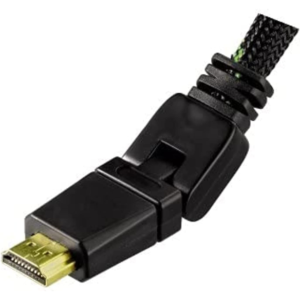
2B CV895 360° Rotating HDMI Cable 1.8M – Reliable 4K Ultra HD, Metal Connectors (Black)
 كابلات و تحويلات
2B CV895 360° Rotating HDMI Cable 1.8M – Reliable 4K Ultra HD, Metal Connectors (Black)
كابل اتش دي ام اي تو بي سي في895 من اتش دي ام اي إلى اتش دي ام اي بطول 1.8 متر مع دوران 360 درجة لتوجيه الكابل بسهولة خلف التلفزيون أو الشاشة. يدعم دقة 4 كي لتجربة عرض أوضح على الأجهزة المتوافقة. تصميم دائري مع وصلات معدنية ولون أسود مناسب لتنظيم الكابلات في المنزل أو المكتب.
SKU: n/a -
كابلات و تحويلات
2B CV224 Type-C Male to VGA Female Display Converter – Reliable and Easy to Use
محول تو بي سي في224 من تايب سي ذكر إلى فيجا أنثى لتوصيل الأجهزة الحديثة بشاشات أو بروجكتورات في جي ايه. مناسب للعروض التقديمية والعمل والدراسة في القاعات التي تعتمد في جي ايه. توصيل سريع: وصل تايب سي بالجهاز ثم أوصل كابل في جي ايه بالشاشة. يرجى التأكد أن منفذ تايب سي في جهازك يدعم إخراج الفيديو قبل الشراء.
SKU: n/a -
كابلات و تحويلات
2B DC026 Premium High-Speed USB Printer Cable 5m — Reliable Gold-Plated
كابل طابعة تو بي دي سي 026 بطول 5 متر لتوصيل الطابعة بالكمبيوتر بسهولة
يدعم نقل بيانات بسرعة تصل إلى 480 ميجابت في الثانية للاستخدام اليومي.
موصلات مطلية بالذهب وكابل دائري لثبات أفضل وتنظيم أسهل خلف المكتب.
مناسب للطابعات التي تعمل بمدخل يو إس بي بي، وللاستخدام في المنزل أو المكتبSKU: n/a -
كابلات و تحويلات
2B DC107 USB 2.0 Printer Cable 1.8m – Reliable High-Speed A-to-B Connection
كابل طابعة تو بي دي سي107 يو إس بي 2.0 بطول 1.8 متر لتوصيل الطابعة أو الماسح بالكمبيوتر بثبات. طرف من نوع يو إس بي إيه ذكر للكمبيوتر وطرف يو إس بي بي ذكر للطابعة أو الماسح. مناسب للاستخدام اليومي في العمل أو الدراسة لتوصيل مباشر وتقليل انقطاع الاتصال. خيار عملي كبديل للكابل الأصلي أو كابل احتياطي.
SKU: n/a