
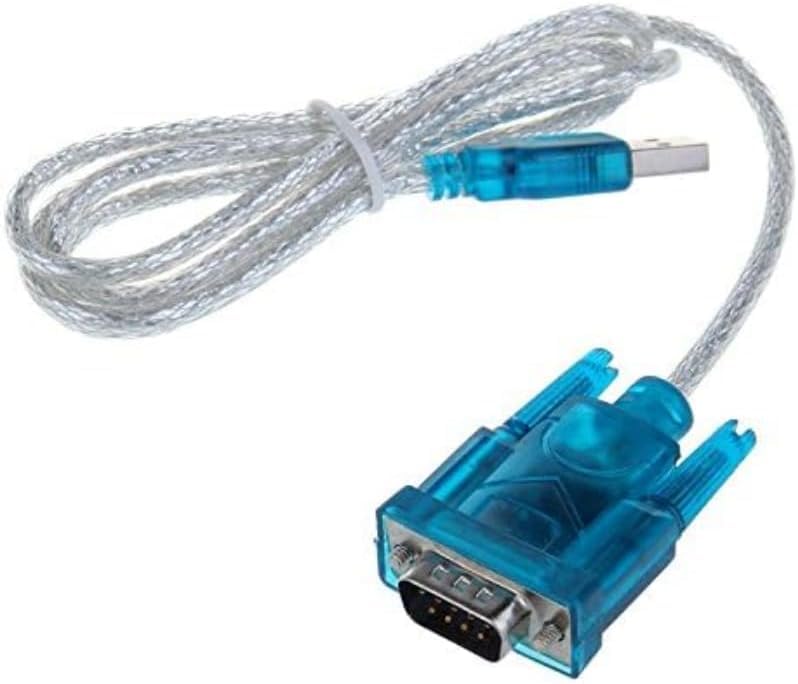
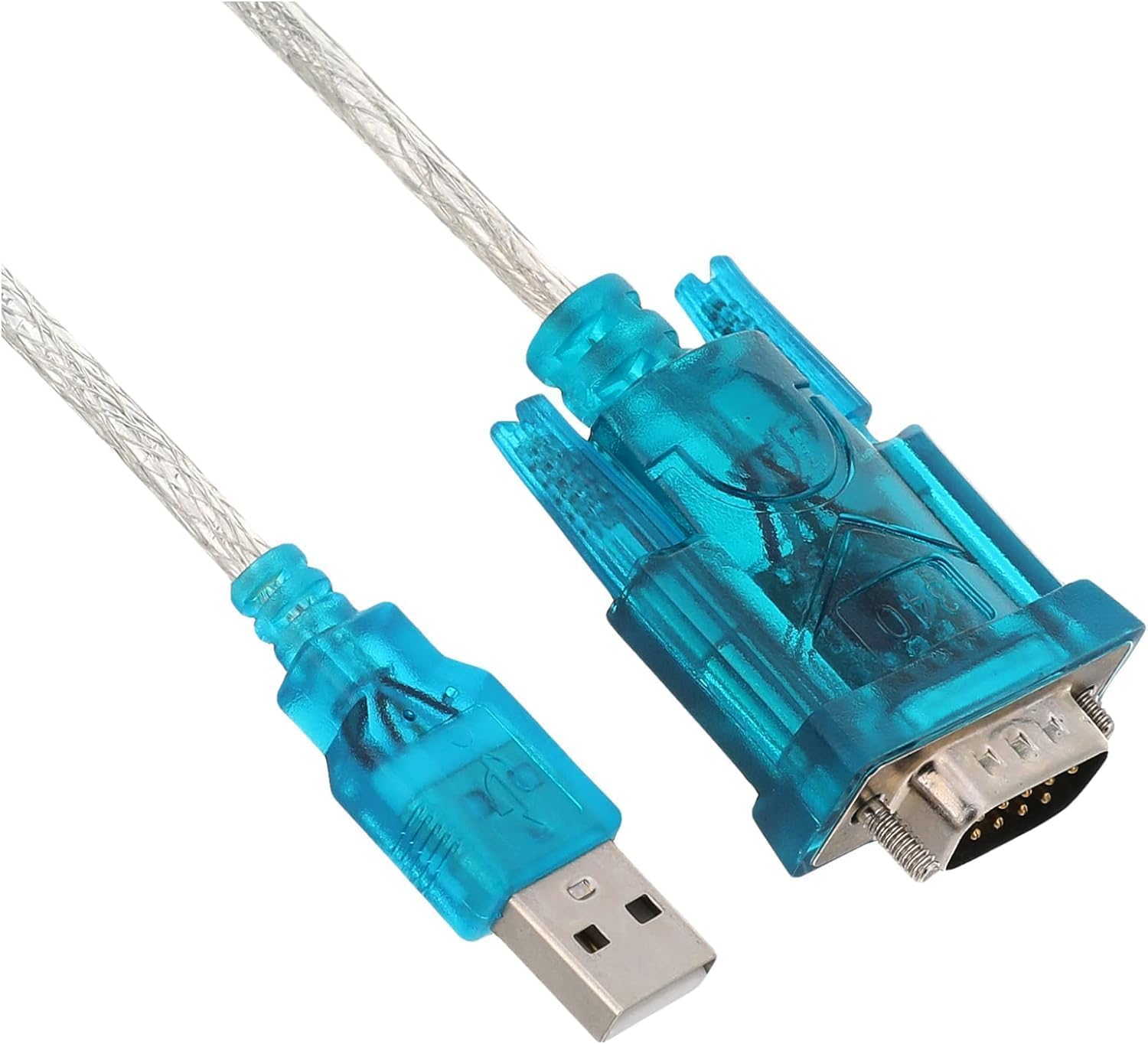
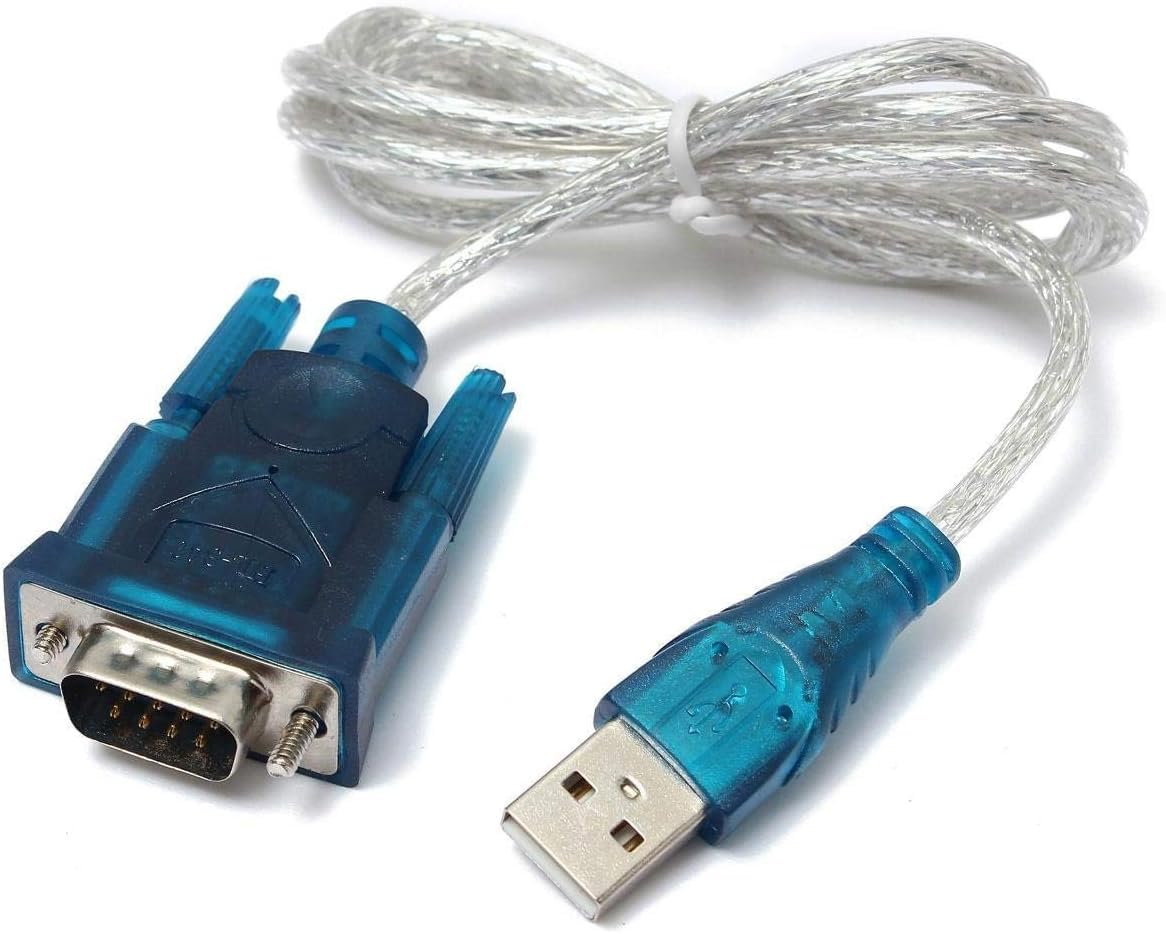
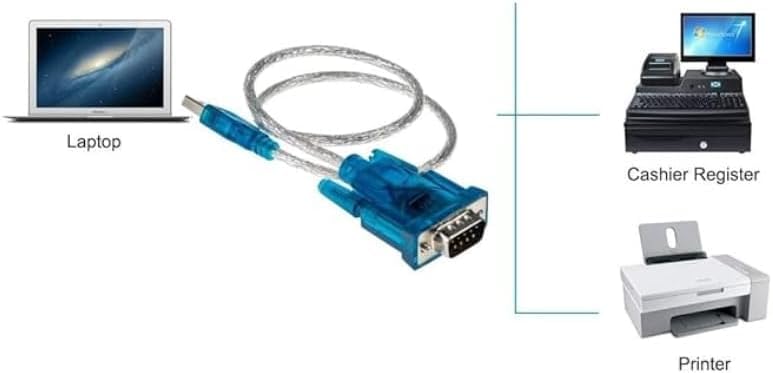
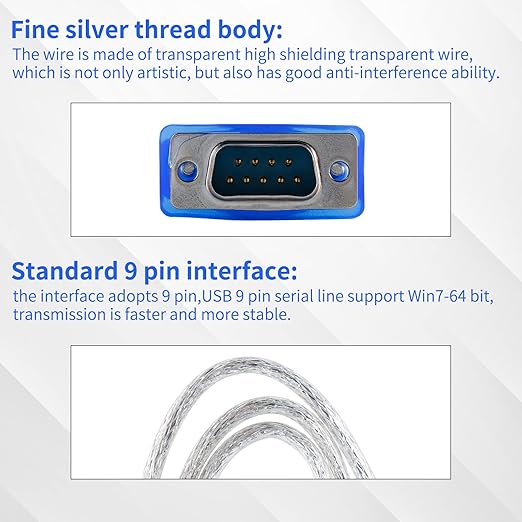
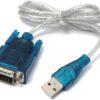
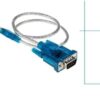
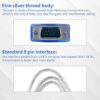
The USB to RS232 Serial Adapter is a high-performance USB-to-DB9 converter cable designed to connect serial-based devices such as modems, LED controllers, PLCs, and embedded boards to modern computers without native COM ports. Featuring the CH340 chipset, it ensures stable communication and fast data transfer between your USB interface and RS232 devices.
This adapter allows seamless communication between computers and serial-based hardware, making it perfect for industrial automation, embedded systems programming, modem configuration, and POS terminals. The device supports USB 1.0/1.1 standards and is fully compatible with USB 2.0, operating in full-speed transfer mode at 1Mbps.
Installation is straightforward — just run the included CH340 driver, plug the adapter into your PC, and your COM port will appear automatically in Device Manager. No external power supply is required, and once installed, it operates as a standard plug-and-play serial interface.
Key Features:
-
Model: USB to RS232 Serial Adapter (CH340 chipset)
-
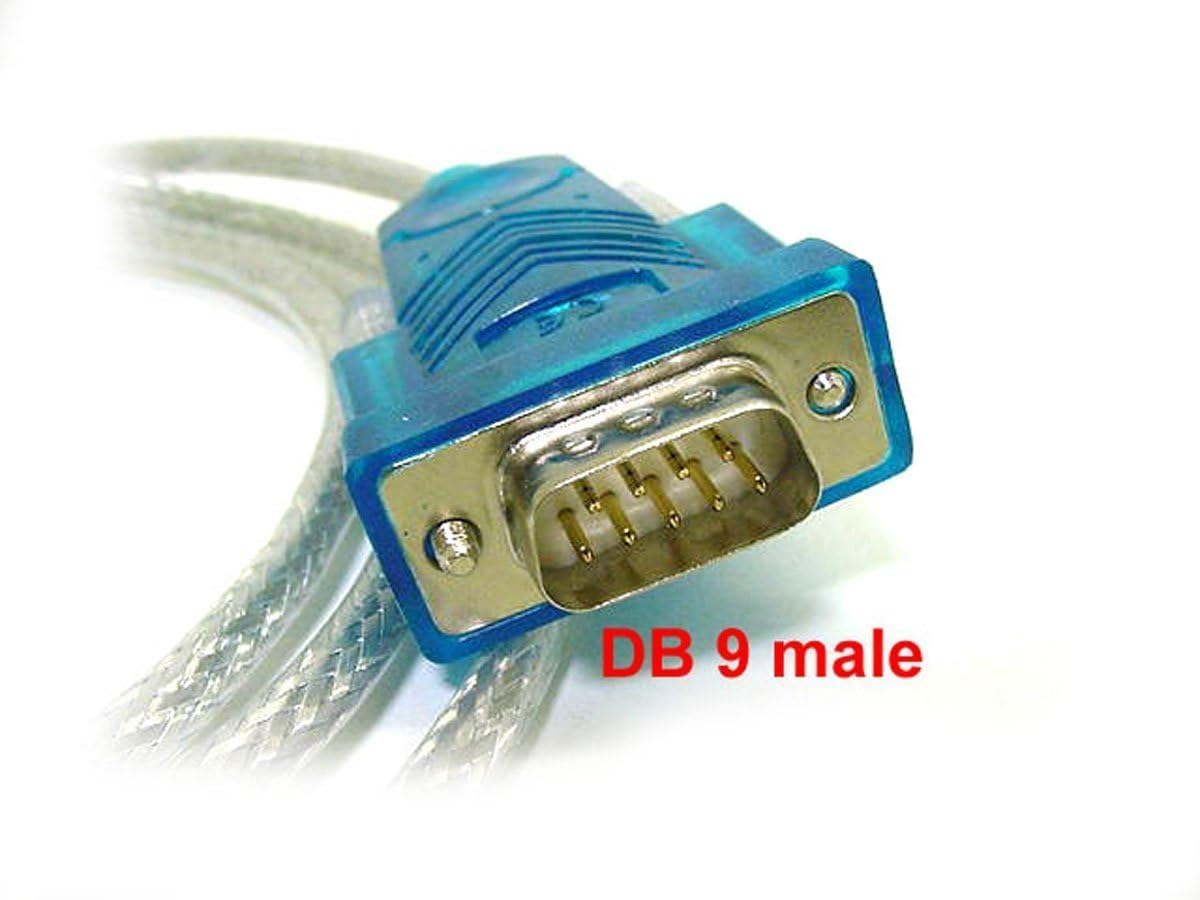
Interface: USB Type-A (Male) to RS232 DB9 (Male)
-
Chipset: CH340
-
Transmission Speed: 1 Mbps (USB 2.0 compatible)
-
Power Supply: Bus-powered via USB (no external power needed)
-
Compatibility: Supports USB 1.0/1.1, backward compatible with USB 2.0
-
Operating Systems: Win98, 98SE, Me, 2000, XP, Vista, Win7/8/10 (32-bit & 64-bit), Mac OS 8.6 and above
-
Applications: MCU STC download, LED screen control cards, MODEM/ISDN adapters, industrial serial communication
-
Installation:
-
Install the driver (CH340.EXE).
-
Connect the USB cable to your PC.
-
The COM port will appear automatically after successful installation.
-
Highlights:
-
Converts any USB port into a standard RS232 serial interface
-
Reliable CH340 chipset ensures consistent signal quality
-
No external power required – fully USB bus-powered
-
Wide compatibility with industrial and consumer serial devices
-
Plug & play design for instant connectivity