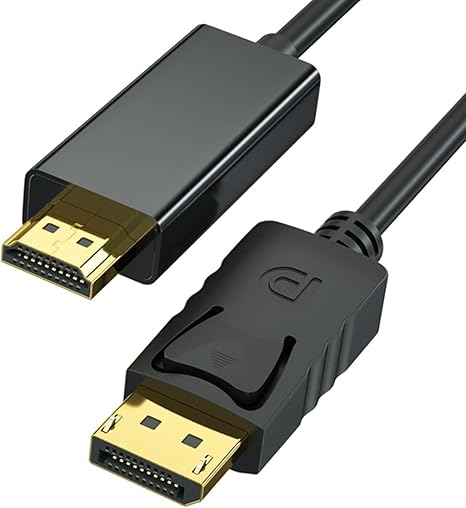
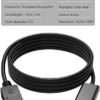

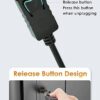
Zero DisplayPort to HD Cable 1.8m – DP to HD Type-A for Monitor & TV Connection – Reliable and Easy to Use
كابل زيرو من ديسبلاي بورت إلى إتش دي بطول ١٫٨ متر لتوصيل الكمبيوتر أو اللابتوب بشاشة أو تلفزيون عبر منفذ إتش دي. حل مباشر بكابل واحد لعرض الشاشة في الشغل والعروض والدراسة والترفيه المنزلي. مناسب لتمديد أو تكرار الشاشة حسب إعدادات الجهاز. يُرجى التأكد أن المصدر ديسبلاي بورت وأن الشاشة بها منفذ إتش دي.
EGP120.00
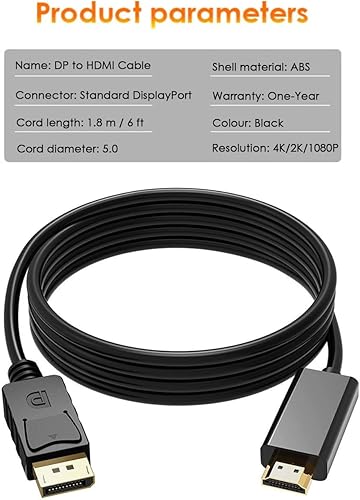
Connect your computer to a bigger screen with the Zero DisplayPort to HD cable 1.8m—a direct, single-cable solution for sending video (and supported audio) from a DisplayPort (DP) source to an HD Type-A display input. It’s built for clean desk setups, home entertainment, and work presentations where you want a stable link without adapters or extra connectors.
🖥️ Display Connection (DP → HD)
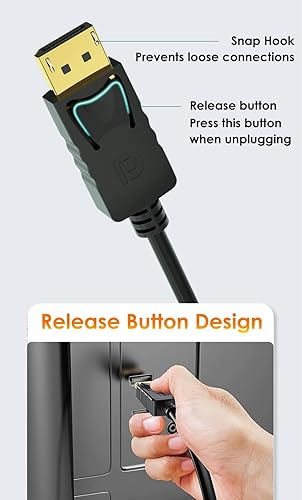
Made to connect DisplayPort output devices to HD-equipped displays.
-
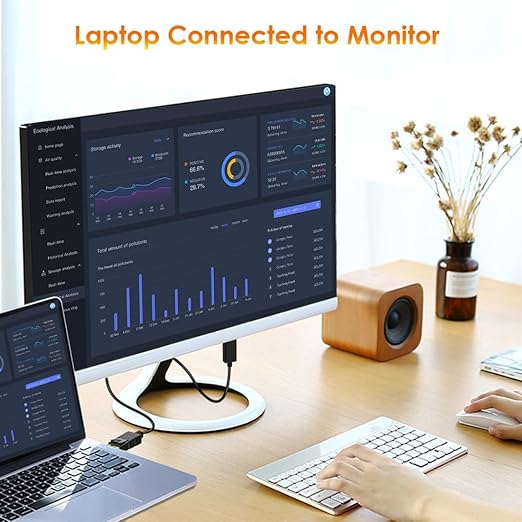
Connects a PC/laptop/graphics card with DisplayPort output to a TV/monitor/projector with HD input
-
Useful for extending your desktop, mirroring your screen, and running presentations
-
One-piece cable solution—no separate converter box required in the middle
🎬 Video & Audio Use
Designed for modern display workflows.
-
Carries digital video from DisplayPort to your display through HD input
-
Many systems also carry audio over DisplayPort when supported by the source device and settings (depends on device support)
📏 1.8m Length for Real Setups
A practical length for everyday use.
-
Cable length: 1.8 meters
-
Suitable for desk-to-monitor, PC-to-TV, or docking-station-to-display connections
-
Helps reduce tension on ports compared to very short cables
🧩 Compatibility Notes
Direction matters for this type of cable.
-
Intended for DisplayPort source → HD display
-
Confirm your device has DisplayPort (DP) output (not Mini DisplayPort, unless you have the correct port)
-
Your display must have an HD Type-A input
✅ Quick Specs
-
Brand: Zero
-
Cable type: DisplayPort to HD
-
Length: 1.8m
-
Use: Connect DP devices to HD displays
Related products
-
كابلات و تحويلات
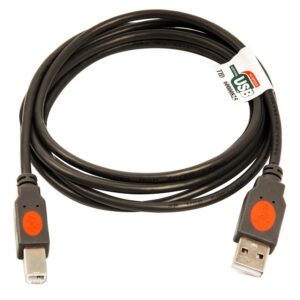
2B DC026 Premium High-Speed USB Printer Cable 5m — Reliable Gold-Plated
كابل طابعة تو بي دي سي 026 بطول 5 متر لتوصيل الطابعة بالكمبيوتر بسهولة
يدعم نقل بيانات بسرعة تصل إلى 480 ميجابت في الثانية للاستخدام اليومي.
موصلات مطلية بالذهب وكابل دائري لثبات أفضل وتنظيم أسهل خلف المكتب.
مناسب للطابعات التي تعمل بمدخل يو إس بي بي، وللاستخدام في المنزل أو المكتبSKU: n/a -
كابلات و تحويلات
2B DC117 USB 2.0 Printer Cable A/B 1.8M – Reliable High-Speed Print & Scan Cord
كابل طابعة تو بي دي سي117 يو إس بي 2.0 من إيه إلى بي بطول 1.8 متر ولون رمادي لتوصيل الكمبيوتر أو اللابتوب بالطابعة بشكل ثابت. مناسب للطباعة والمسح الضوئي في المنزل أو المكتب، ويساعد على ترتيب الكابلات على المكتب بفضل طول عملي يقلل شد الكابل على المنافذ. توصيل مباشر وسهل بدون تعقيد.
SKU: n/a